> For the complete documentation index, see [llms.txt](https://sensorbeeab.gitbook.io/sensorbeeab-docs/llms.txt). Markdown versions of documentation pages are available by appending `.md` to page URLs; this page is available as [Markdown](https://sensorbeeab.gitbook.io/sensorbeeab-docs/readme/sensorbee-air-product-manual/sensorbee-air-pro-2/connecting-and-configuring-via-usb-c/polling-interval-menu.md).
# Polling Interval Menu
### Setting the Polling Interval
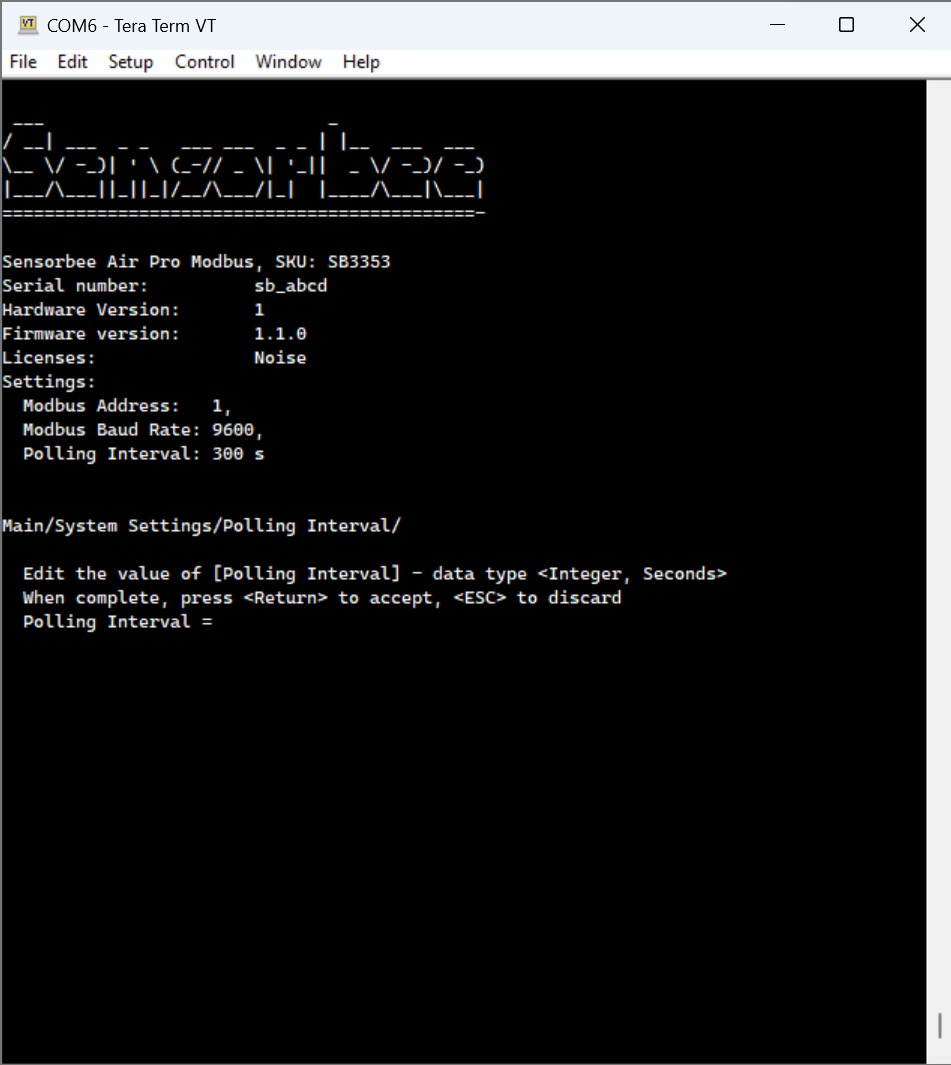
Press 1 to get to the polling interval menu as seen in the following image:
The polling interval determines how often the base unit reads and updates values from its connected sensors. Follow this step-by-step guide to set the polling interval:
1. Select Polling Interval from the list of options
2. Enter the desired polling interval in seconds
3. Press the Enter key to confirm your selection
💡The polling interval can depend on the sensors connected to the base unit; some sensors require longer preheat times to produce a value. It can take up 1 minute after starting the device for the device to know the final poll duration.
Simply press the ESC key if you need to cancel the process at any time.
📔There is currently no protection from setting an incorrect polling rate. However, if this occurs, the base unit will automatically adjust the polling rate to the nearest valid rate.